Print
Print
 Home >
How to adjust the copy file get darker in the M6500/M6550 printer?
Home >
How to adjust the copy file get darker in the M6500/M6550 printer?
File Number:FAQ20M-25V119
How to adjust the copy file get darker in the M6500/M6550 printer?
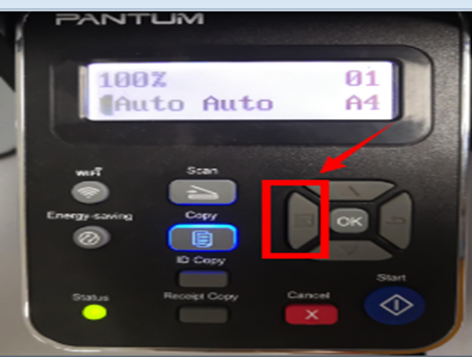
Step1: Select menu on the below control panel and press “OK”
Step2: Select “NO.1-Image quality” in the copy setting.
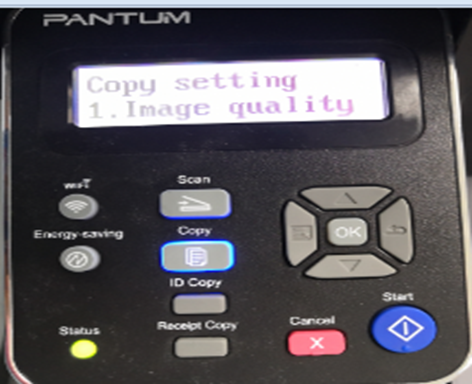
Step3: Select “No.4-Text” in Image quality , and it will be done.
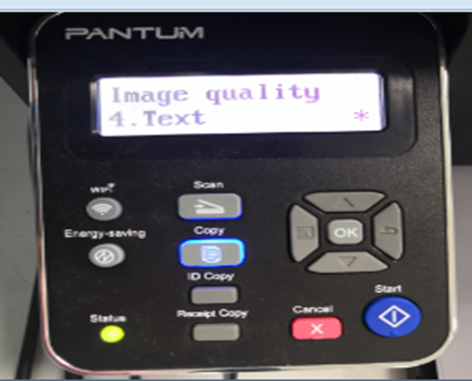
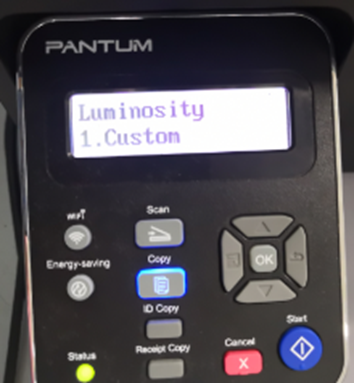
Step5: Select “NO.2-Luminosity/ Intensity” in the Copy setting.
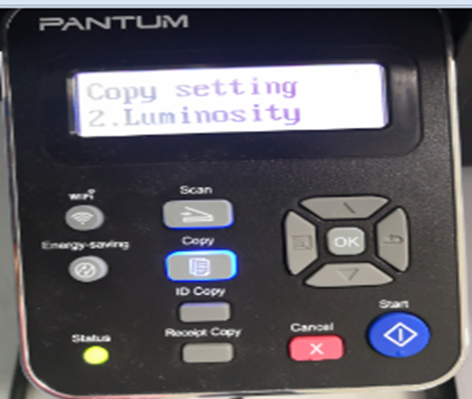
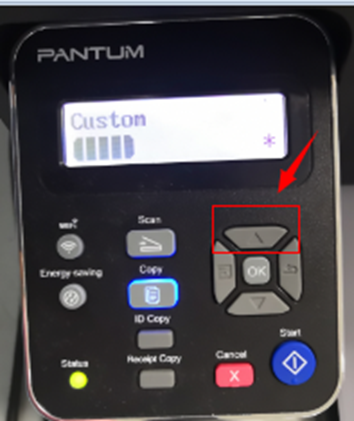
Step6: Select “No.1-Custom/ manual” and adjust to full dark by press direction pad "▲" will be done.