Print
Print
 Home >
How to create a new contact by M6600NW on M6600 Series Printer?
Home >
How to create a new contact by M6600NW on M6600 Series Printer?
File Number:FAQ20M-33V119
How to create a new contact by M6600NW on M6600 Series Printer?
Step1: Press "Fax" and then chose "Ok" to enter the "Fax Setting" interface.
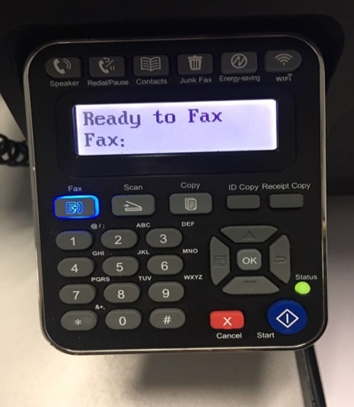
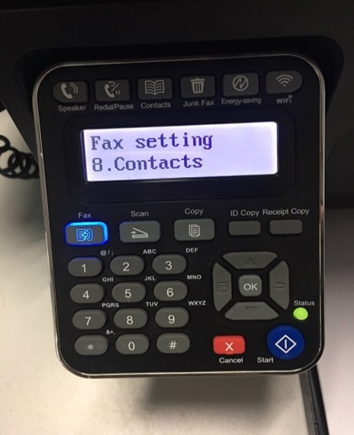
Step2: Choose the “8.Contacts” option you want to set by pressing the page up and down keys.
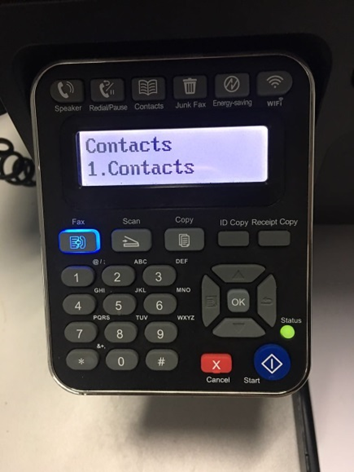
Step3: Select “NO.1 Contacts”.
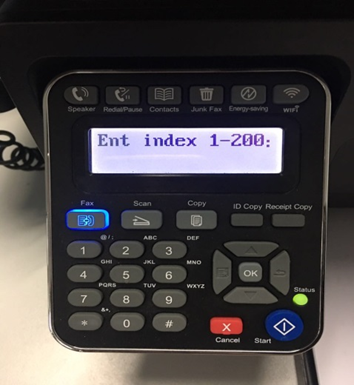
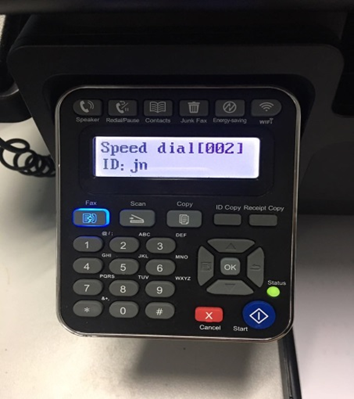
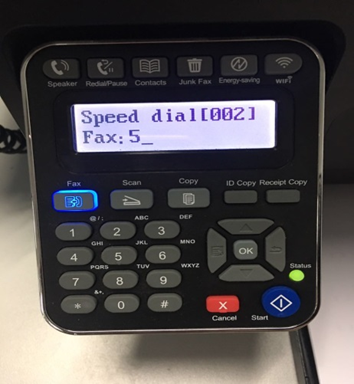
Step4: Enter the fax number one by one by pressing the number on the “NO.4 New and edit”.
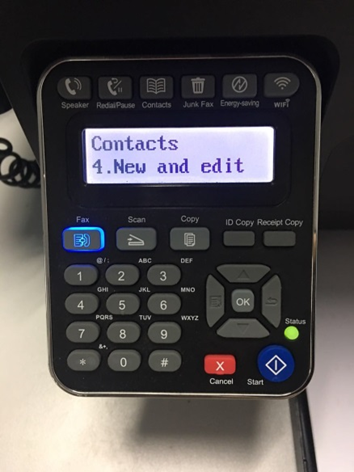
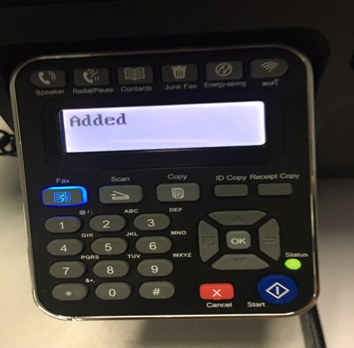
Step5: It will be taken an example as below: