Print
Print
 Home >
How to set up my Pantum M6700/M7100/M6800/M7200 Series Printer to a Wireless Network easily by one click installation? ( applicable to Wi-Fi or network models)
Home >
How to set up my Pantum M6700/M7100/M6800/M7200 Series Printer to a Wireless Network easily by one click installation? ( applicable to Wi-Fi or network models)
File Number:FAQ51M-1V124
How to set up my Pantum M6700/M7100/M6800/M7200 Series Printer to a Wireless Network easily by one click installation? ( applicable to Wi-Fi or network models)
Here is the installation step:
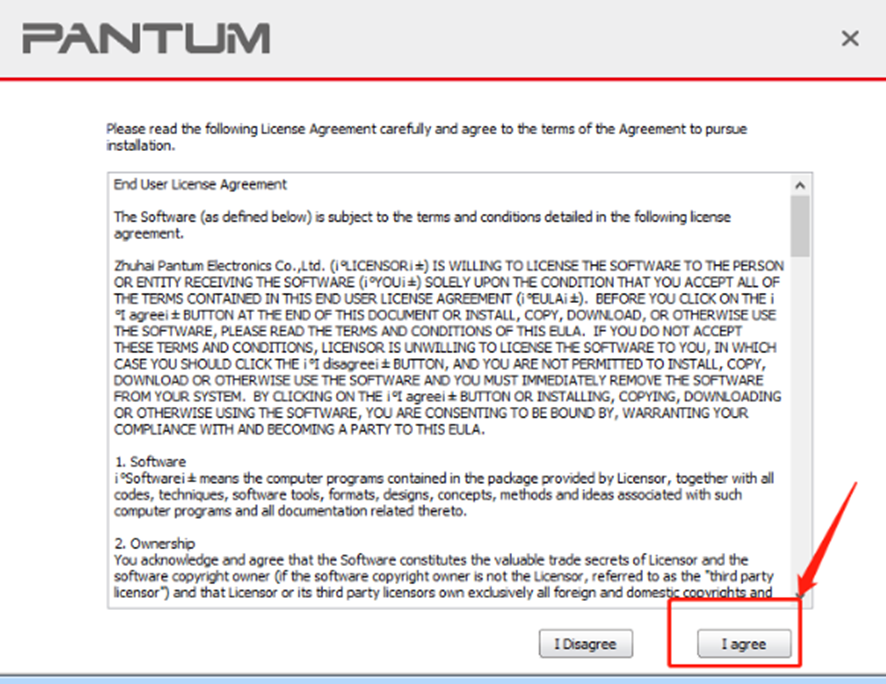
1) Double-click on the Auto run file and then select “I agree” in the agreement.
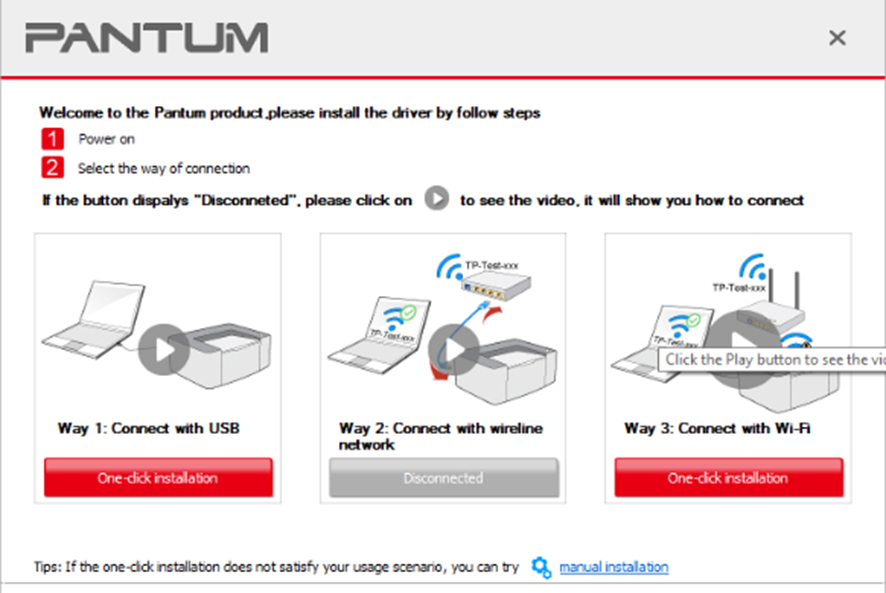
2) Select way 3: “Connect with wifi” and attention to the instructions display in the video.
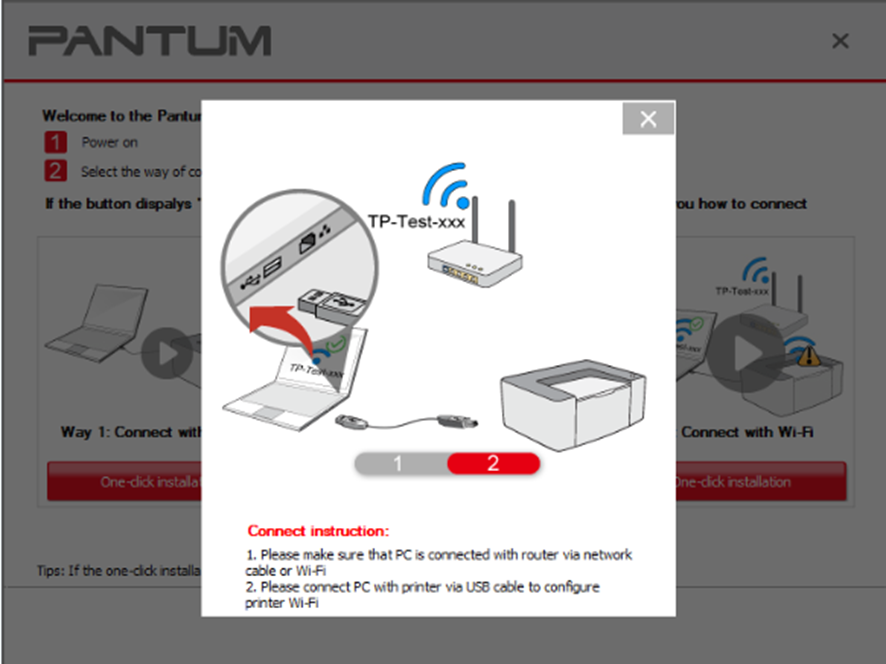
3) Please make sure that pc is connected with router via network cable or Wi-Fi.
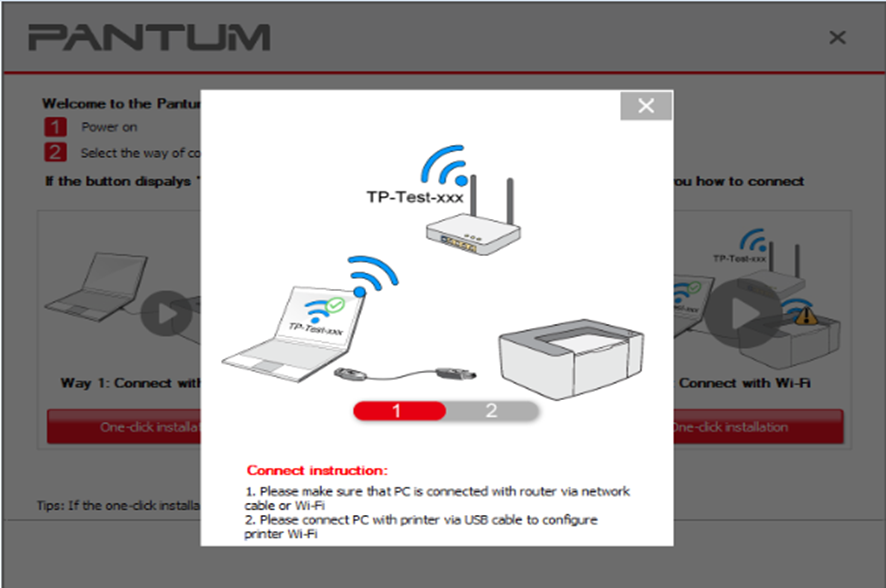
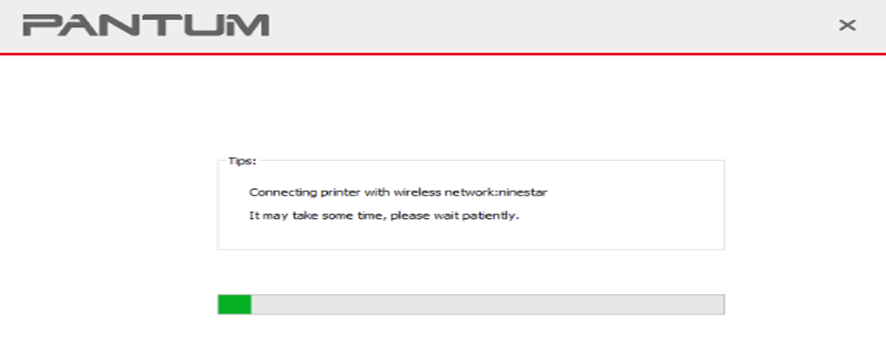
4) Please connect PC with printer via USB cable to configure printer Wi-Fi .
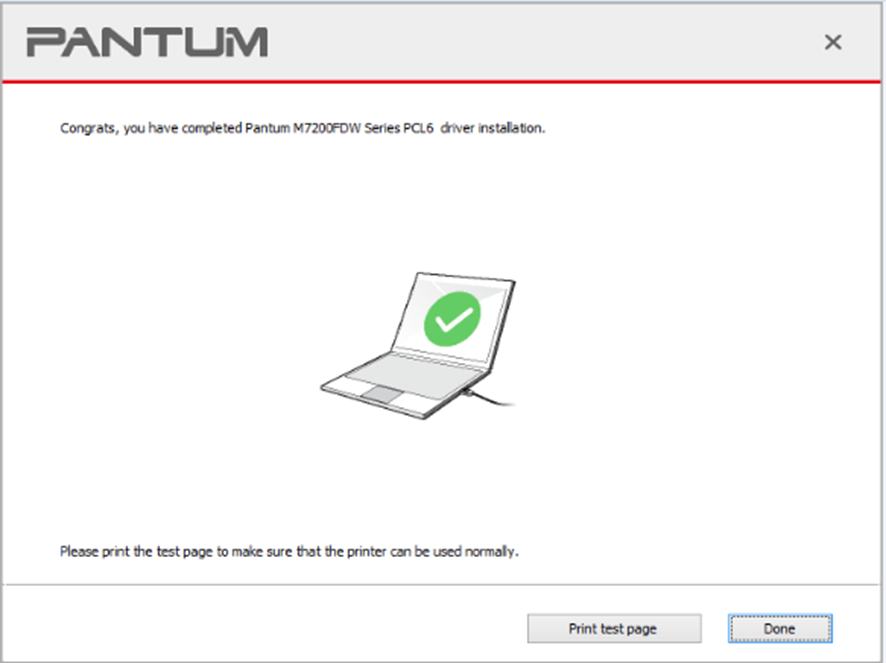
5) After installation is finished, “Installation Complete” interface will pop out, you can select to “print test page” or “Done”.