Print
Print
 Home >
BM2300 Series Error Close Cover
Home >
BM2300 Series Error Close Cover
n Affected Models
BM2300 series printers, especially those manufactured between November 26, 2025 and March 10, 2026. Examples include: BM2300AW, BM2300NW, BM2305AW, BM2309AW, BM2309W, BM2310A, BM2310AW, BM2310NW, etc.
n Symptom
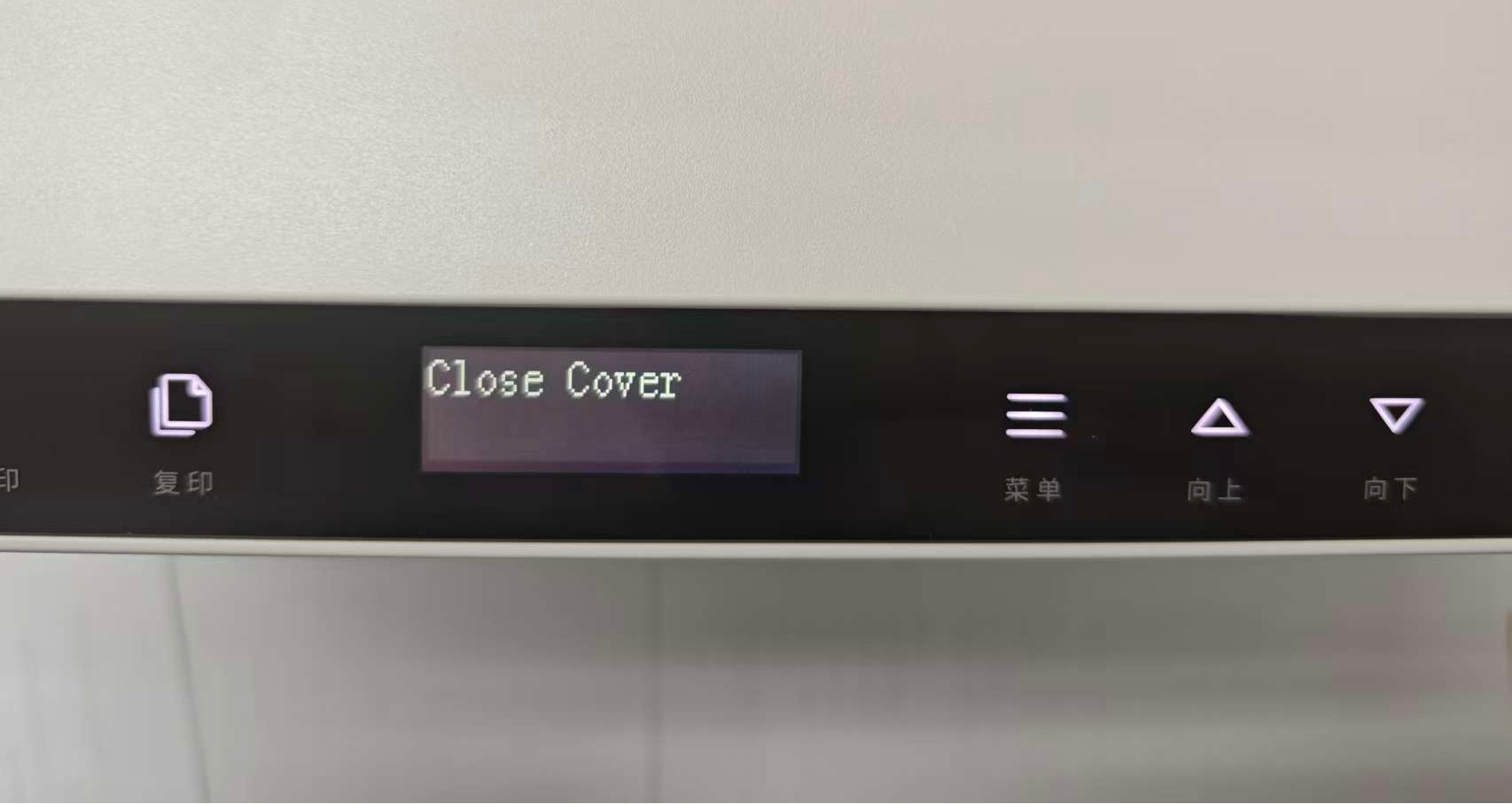
When a newly unboxed printer, or after replacing toner cartridge or clearing paper jam, the top cover is closed. During printer warm‑up, the control panel displays error: Close Cover.
n Root Cause
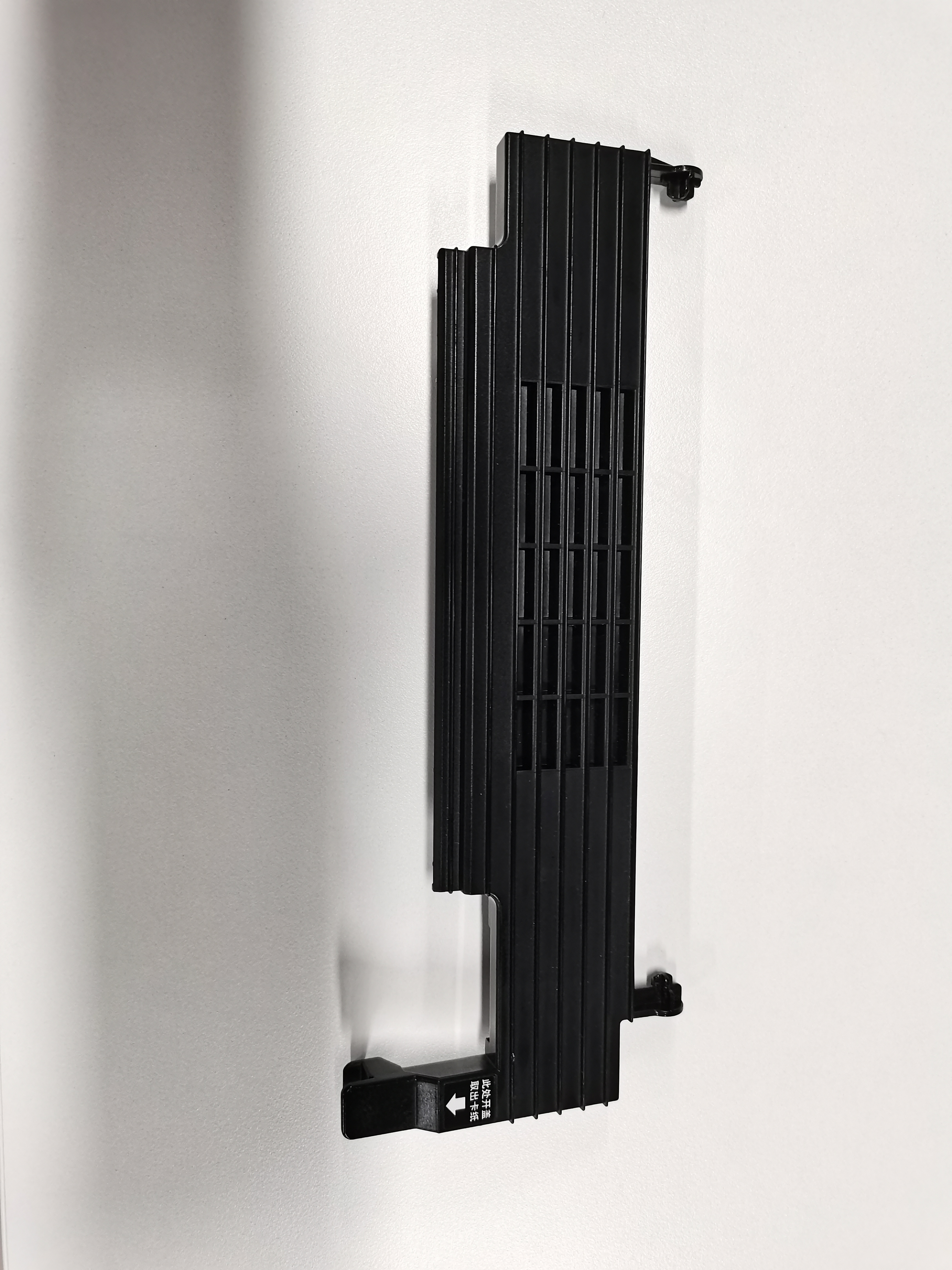
Fuser top cover deformation causes the end part of the fuser top cover to fail to touch the switch spring.
n Temporary Solution
Step1:Lift the platen glass to expose the fuser top cover.

Step2:Press firmly on the area below the white OPEN arrow to seat it into the correct position.
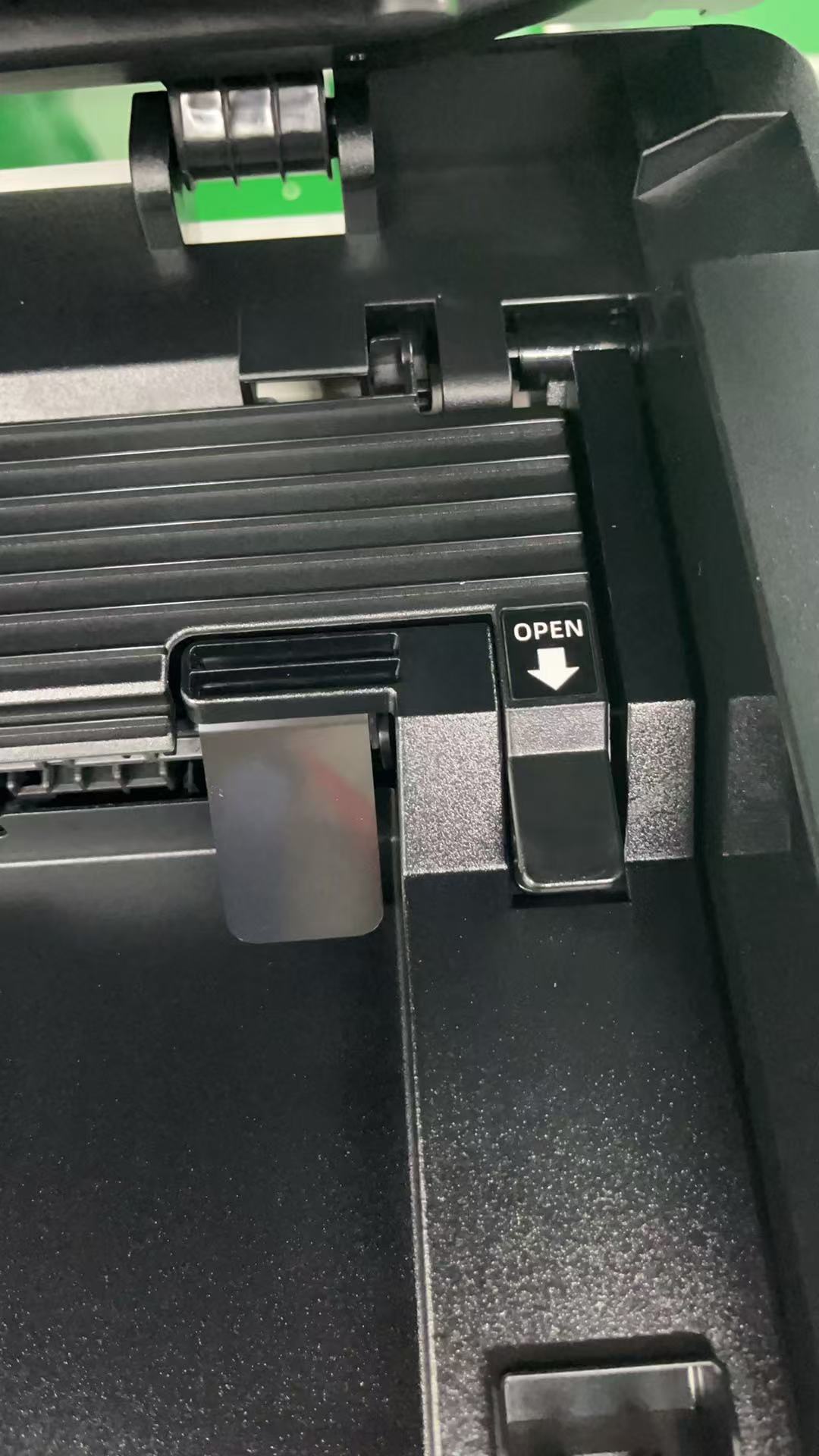
Step3:Close the platen glass. The printer will warm up again and the error will disappear.
Note: Repeat above steps if toner cartridge is removed or paper jam is cleared later.
n Permanent Solution
Replace the fuser top cover. Users may contact local service providers for parts. For replacement video, visit Pantum support website.