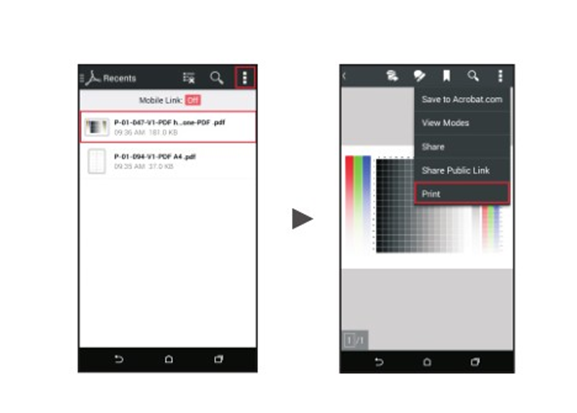
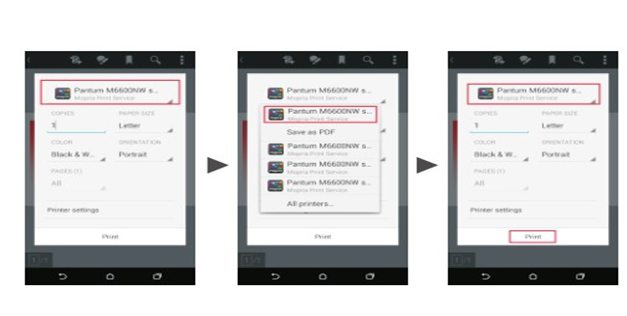
Print
Print
 Home >
How to print a PDF file from Android mobile phone?
Home >
How to print a PDF file from Android mobile phone?
File Number:FAQAA4-33V119
How to print a PDF file from Android mobile phone?
Solution 1) Download the “Pantum App” Application
Step1: Download the APP from www.pantum.com or Google Play, then install the APP.
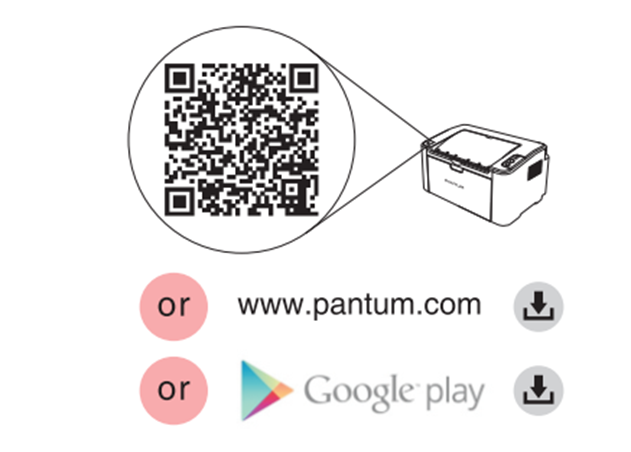
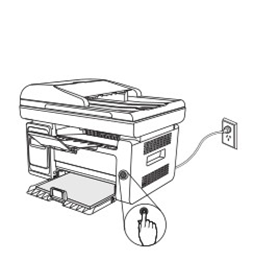
Step2: Switch on the printer.
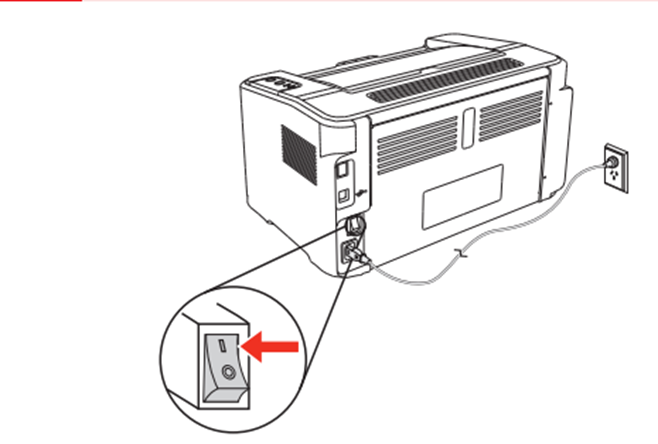
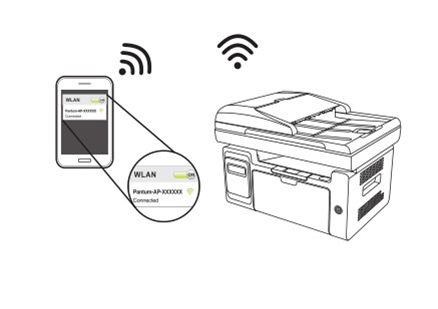
Step3: Connect to the Printer Hotspot.
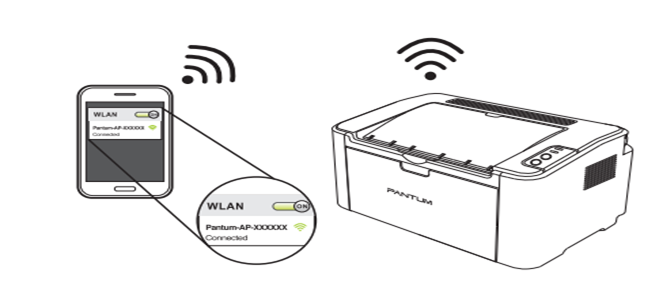
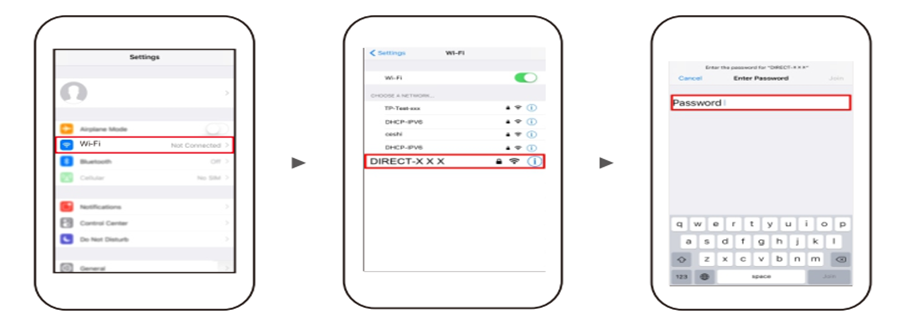
Step4: Open the ”PANTUM” application , click “ Add a printer” button at the top of interface, then s add the printer.
Step5: Select the file and print it.
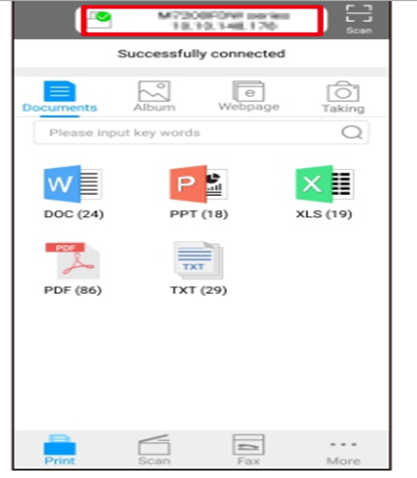



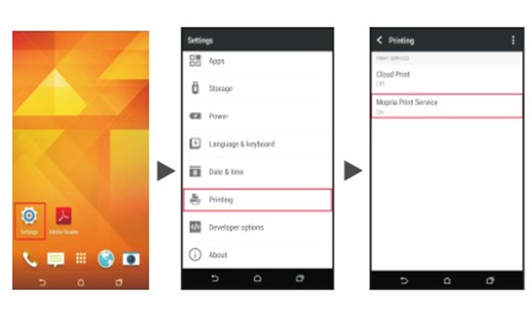
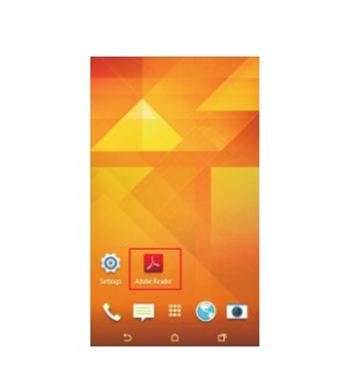
 on the upper right corner, and click Print.