Print
Print
 Home >
How to Set the Time Zone Format on M6600 Series Printer?
Home >
How to Set the Time Zone Format on M6600 Series Printer?
File Number:FAQ20M-29V119
How to Set the Time Zone Format on M6600 Series Printer?
Step1: Select menu on the below control panel.
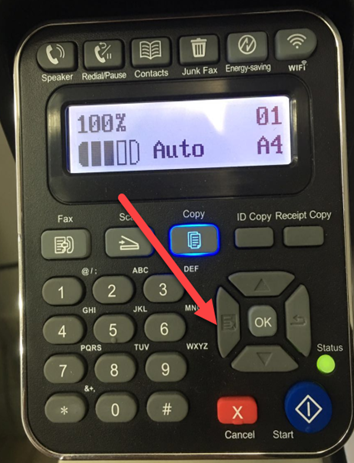
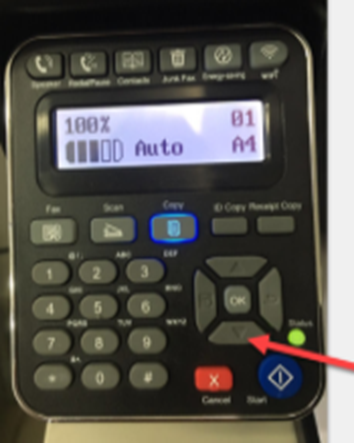
Step2: Please choose “page down” to select.
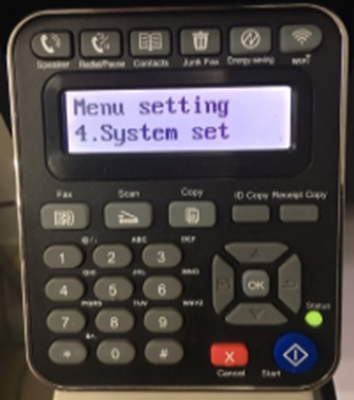
Step3: Select ‘NO.4-system set’ in the menu setting.
Step4: Select “NO.6-Time/date” in the system set.
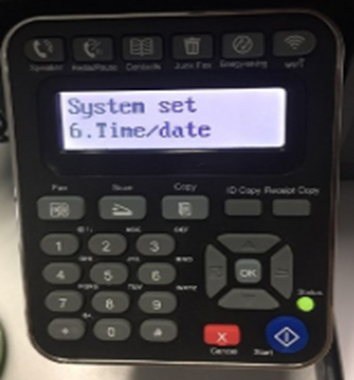
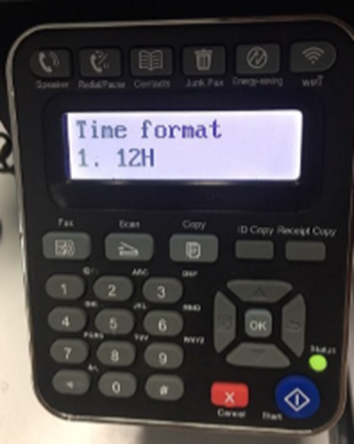
Step5: Select NO.5- “Time format”-“ok”.
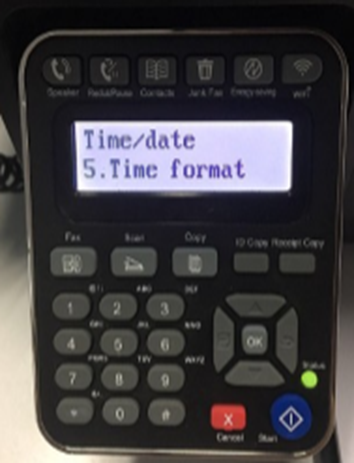
Step6: Select “12H or 24H” format in the Time format.