Print
Print
 Home >
How to close the fax report setting on M6600 Series Printer?
Home >
How to close the fax report setting on M6600 Series Printer?
File Number:FAQ20M-30V119
How to close the fax report setting on M6600 Series Printer?
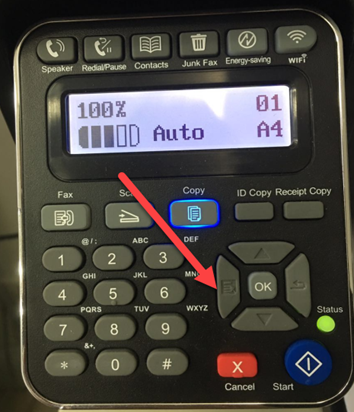
Step1: Select menu on the below control panel.
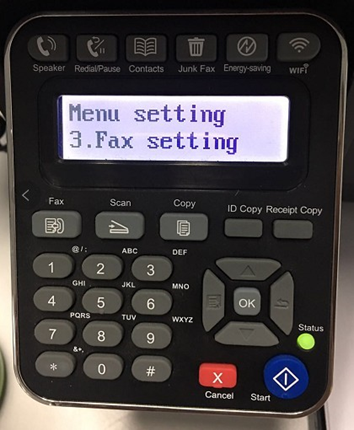
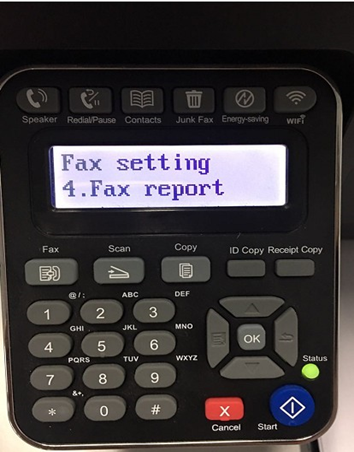
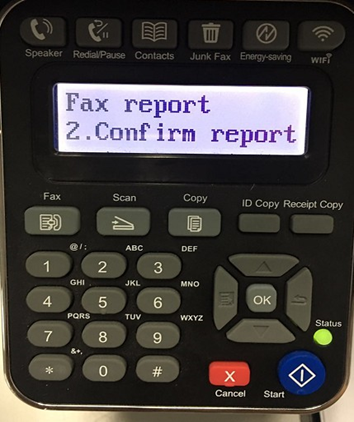
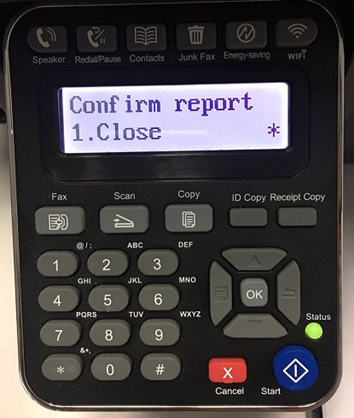
Step5: Then you can choose the report status of “NO.1 Close”, it will be done.