Print
Print
 Home >
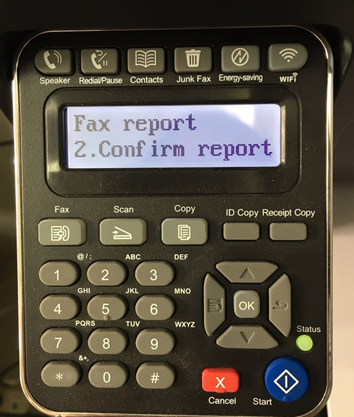
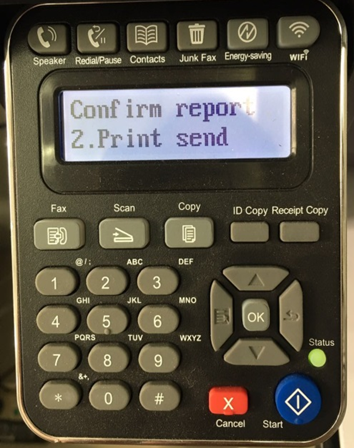
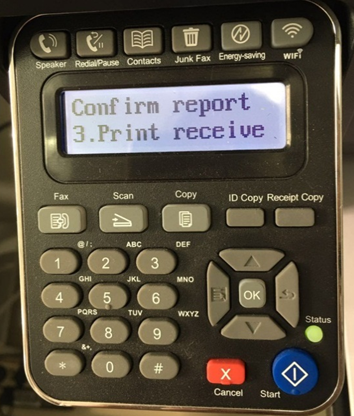
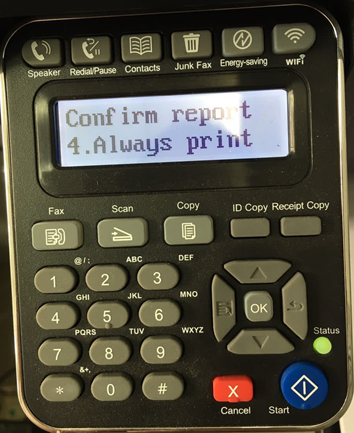
How to setting the Fax sending report on M6600 Series Printer?
Home >
How to setting the Fax sending report on M6600 Series Printer?
File Number:FAQ20M-31V119
How to setting the Fax sending report on M6600 Series Printer?
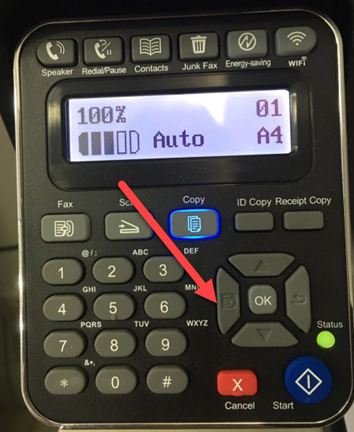
Step1: Press “Menu” Button on the control panel, as the arrow indicated.
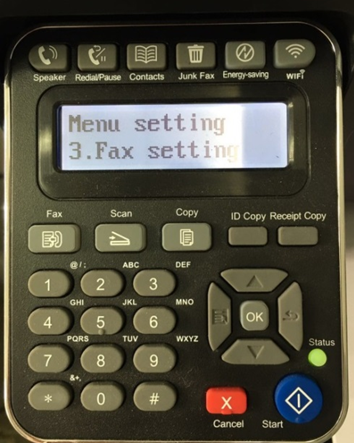
Step2: Press “page down” Button to select “3.Fax setting” ,then press ”OK”.